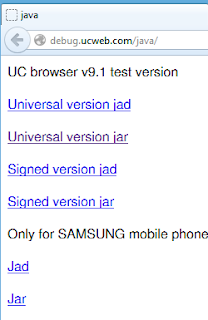
After you have installed it in your phone, open it. Go to- Menu/Settings/Advanced/Bitmap Font (Green marked zone in the following screenshot) and activate it. -
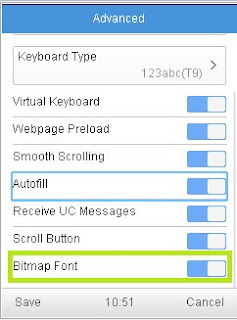
Note: As they said earlier, Using the “Bitmap Font” you can now enjoy reading pages in Arabic, Persian, Urdu, and Hindi, even if your phone doesn’t support these languages. Bengali hasn't been included yet.[/align]